When a WO is deferred, click of the "+DEW/+DEF" button (Note: DEW/DEF is a short for Deferred Work and this is defined in your General Settings)
Warning: Apply this procedure when the work has been ordered to a 145 organization and is then deferred. If you want to defer a WO which is not yet in production (not ordered) by using a tolerance / over-run / variation, then refer to the next article( Applying Tolerance / Over-Run / Variations)
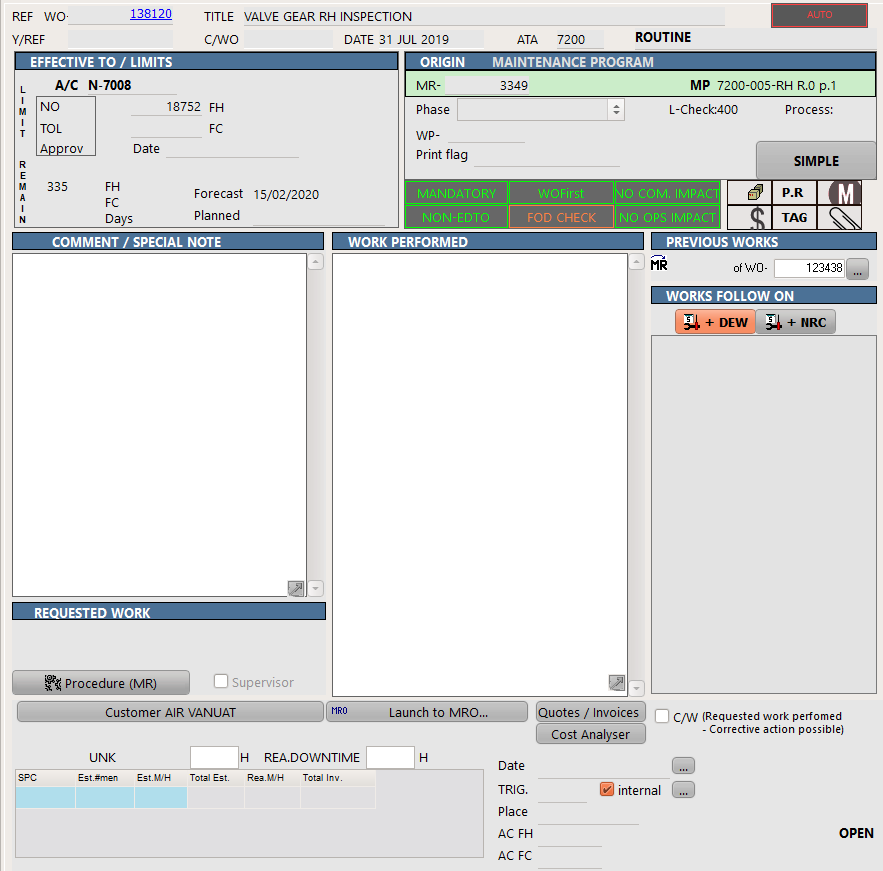
Then follow the on-screen instructions. You will need to enter the date when this WO was deferred. AMS auto-fills the COMMENT field with reference to this deferral and you shall use this field to record the reason of deferral.