
The men hour sub-module is exclusively contextual (there is no general command to run this module, a "man hours" command is displayed when the option is available). It can be activated from the following sources:
- from a MR (Maintenance Requirement) to display the required workmanship of the selected MR and its sub-tasks,
- from a WP (Work Package) to display the required workmanship and the time spent of all WOs
Note: The required workmanship and time spent on a WO are directly displayed on the WO.
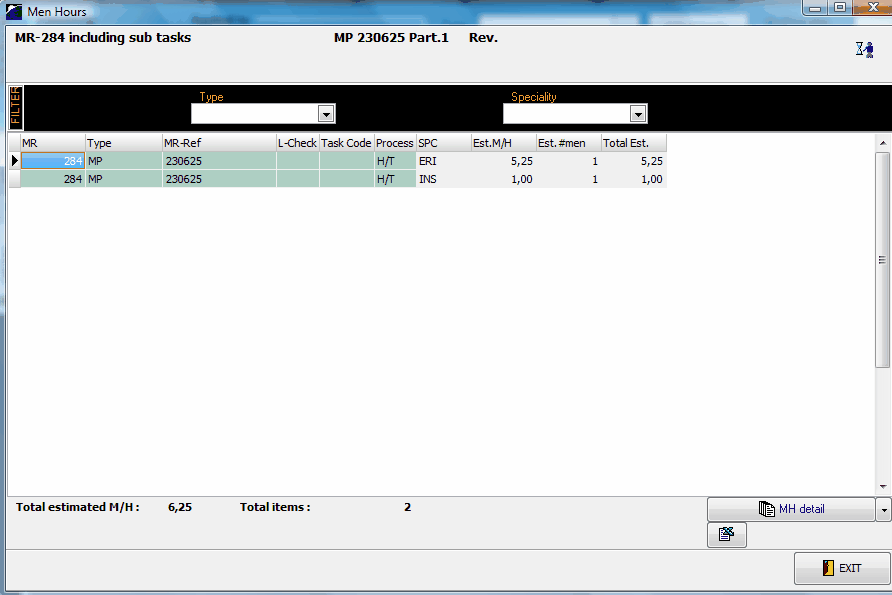
A report button is provided at the bottom right corner to print / preview the workmanship data.
Note: this sub-module is read only. To modify the workmanship required for a task, modify the concerned MR. To modify the time spent on a particular WO, modify this information on the WO.