•To create a new WP press 
•There is also options to create 3rd party WP, and WP executed by sub-contractor. Select appropriately.
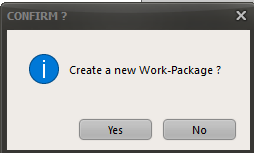
•Confirm that you want to create a new WP
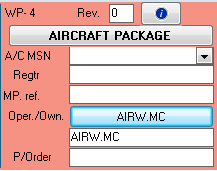
•Specify if it's an A/C package or a component package •Specify the A/C MSN (A/C regtr is filled automatically) •Fill the MP reference •Choose the Operator/owner of the A/C •Specify who issued the Purchase order |
|
•Fill the WP title •Specify the WP Start /end date •Specify the WP place of occurrence •Specify the designated MRO •Specify the WP limits (date, FH, FC) •Press |
|
 to validate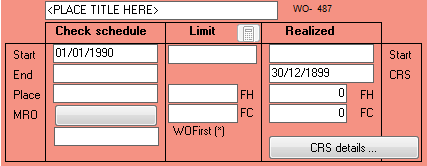
Once the WP is validated you will need to start adding WOs to the WP