•To add a WO to a WP open the M. WORKS module
•Choose the requested WO from the M. WORKS list
•Get to the detail window of the WO
•Drag and drop the WO ref. into the WP window as in the following video
•you can also make a CHECK BLOCK a parent MR to one or more MR, this way when you drag and drop the check block WO into the MR, ALL the CHILD WOs will be AUTOMATICALLY included into the WP.
•You can add new WO to any WP at any moment
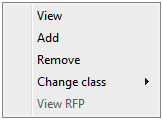
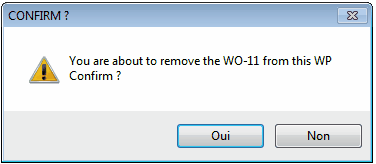
•Select the WP from the WP list •get into the WP detail window by double clicking on it's line. •select the requested WO •Right click on the WO line to see this contextual menu •Choose Remove •Confirm your choice at the next window |