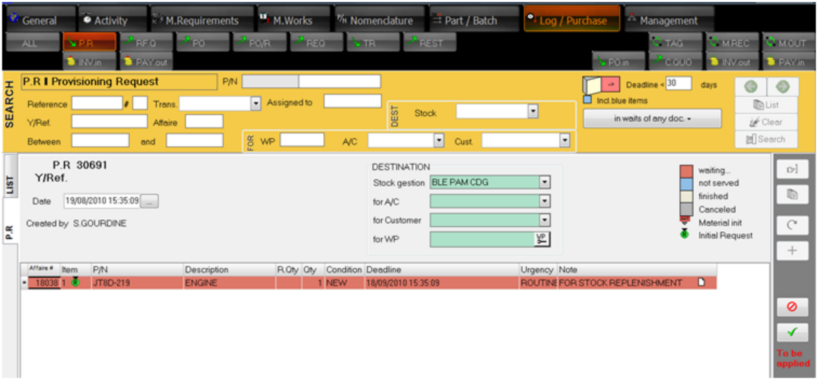
From Nomenclature module, there are two ways to generate a provisioning request :
1/ Automated stock replenishment function:
In order to use the automated stock replenishment function, the minimum quantities must be defined (refer to Stock Positions ).
1/ Select the P/N range that you want to replenish. This is done by selecting the desired stock and by checking the box "in alert"
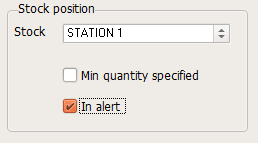
Then click on the "Seach" button
2/ Click on  , then
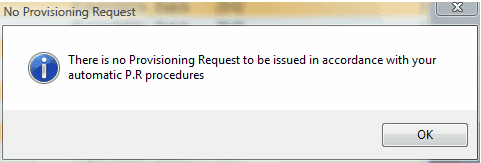
•If no quantity is stock is bellow the "alert quantity", a pop-up window is displayed :
•if some materials needs to be re-ordered, the Provisioning Request are generated in the Log/Purchase module and is waiting for validation
2/ Manual Provisioning:
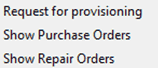
From the Stock Positions window, right click on the stock position to be replenished and select "Request for Provisioning":
A new Provisioning Request (PR) is created in Log/purchase module waiting for validation: