|
Stock positions |
|---|---|
1 |
|
When a material is on the shelf (in your inventory), this tab is used to record how this shelf must be managed : •Stock : Name of the stock where this material is stored •PN : P/N as displayed on the master sheet (read only) •Position : BIN location / reference of the shelf •Qty avail. : Quantity currently on the shelf (read only) •On order : Quantity currently on order (read only) and to be delivered to this stock •Alert Qty : If the Quantity (Qty avail.) decreases bellow this Alert Qty, new materials shall be procured •Qty Auto Prov.: Quantity to be ordered in the event that AMS is requested to procure this material when the Quantity Available becomes inferior to the Alert Quantity. For example, you may define a minimum quantity (Alert Qty) of 20, and a reordering quantity (Qty Auto Prov) of 50 in order to meet the minimum order quantity of your supplier, or simply to minimize the frequency of reordering ( Stock Replenishment ).
|
|
2 |
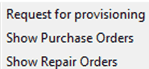
A right click in this table opens a drop-down menu giving access to more details & functions:
|
3 |
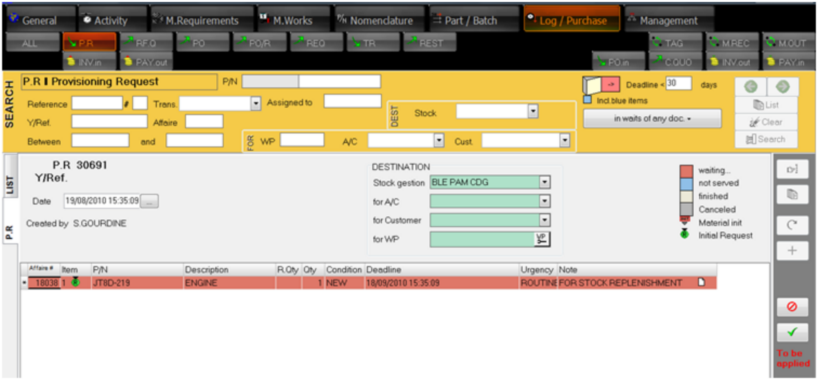
By selecting "Request for Provisioning, a new Provisioning Request (PR) is created in Log/purchase module waiting for validation:
|