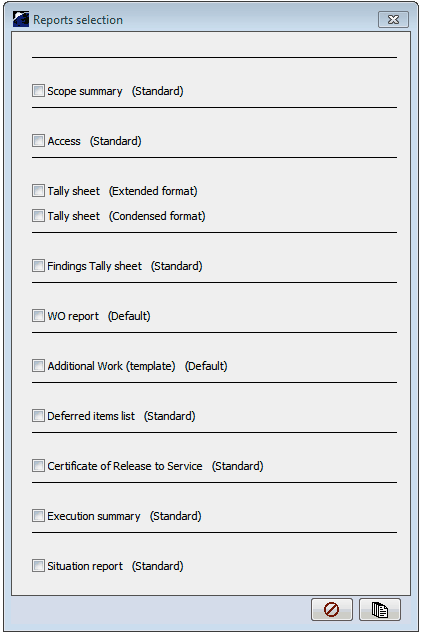
•To launch a WP select •select the requested reports from this list •Scope summary: details the WP contents •Access: Specifies the Accesses used in the WP •Tally sheet( Extended, condensed): details the WO contained into the WP • Findings tally sheet: details the findings during the WP •WO report: Prints ALL the WOs contained into the WP •Additional work: prints a template to be used to conduct additional work. •Deferred items list: prints a list of deferred items during the WP execution. •Certificate of release to service: edits a CRS for the WP (available only to MRO companies) •Execution summary: edits a summary of the WP execution •Situation report:
Once the WP report is printed the launched flag appears beside the WP line in M. WORKS. |
|