Establishing a task due list is extremely easy:
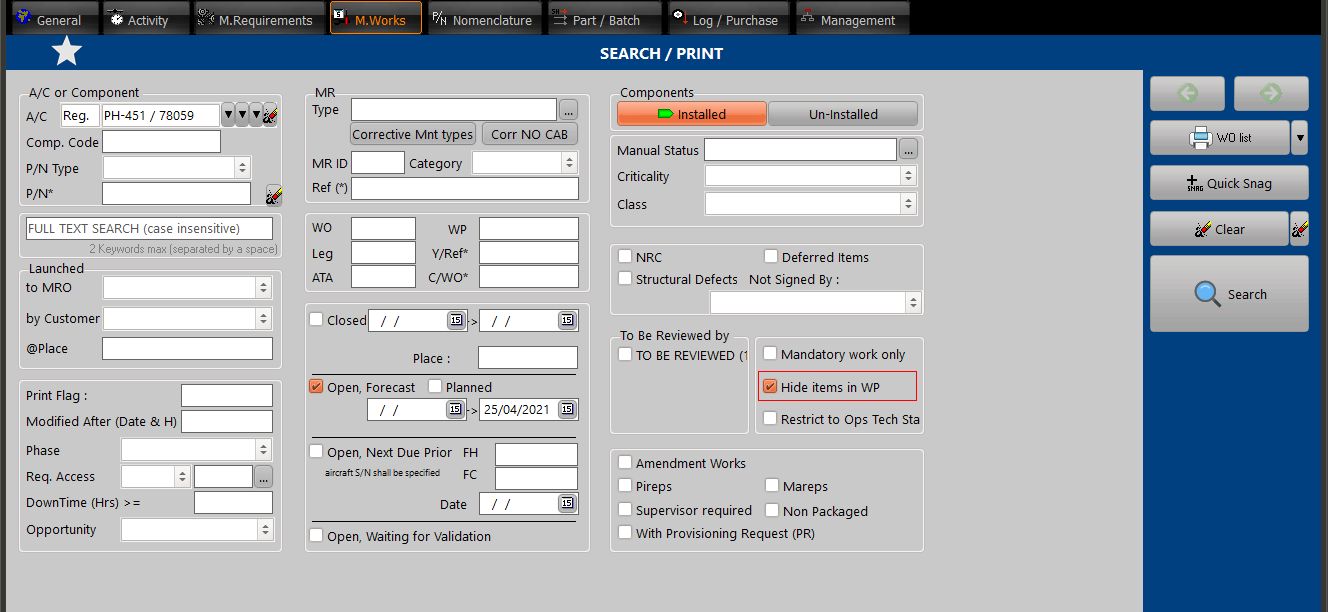
Select the M.Work module and enter the desired aircraft registration (let the Open, forecast box checked by default), then press the "Search" button
The task due list is now displayed and is ordered chronologically (by forecast date) by default. You can click on columns headers to change the ordering.
This list contains all type of maintenance requirements, and you can narrow it down by selected one or several task types in the above "Type" field