Create a new provisioning request |
|
1 |
It is possible to generate a provisioning request from the Nomenclature module, for Stock Replenishment The following steps explain how to create a new PR directly using the PR sub-module. There are several other ways to generate a PR, for example by using the resources of a MR.
|
2 |
Select the
|
3 |
Select the
|
4 |
Then click on
|
5 |
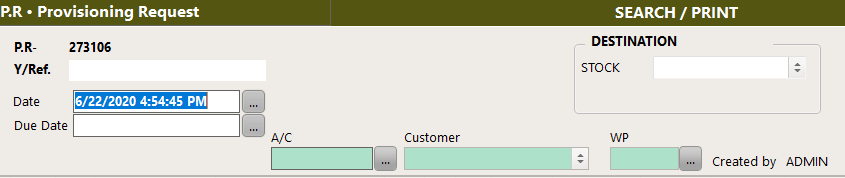
A new PR number is created. Enter the final destination details,
|
6 |
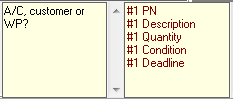
On the lower right corner, two boxes are displaying : •Mandatory fields (in red) •Comments and optional field (in black)
Enter the mandatory fields and as much information from the optional fields as you can
|
7
|
Once the PR fields are entered, click on :
|
 module.