To search the Nomenclature:
1/ Enter your search parameters ( Search fields)
2/ Click on the "Search" button
A list showing the result of your search is now displayed:
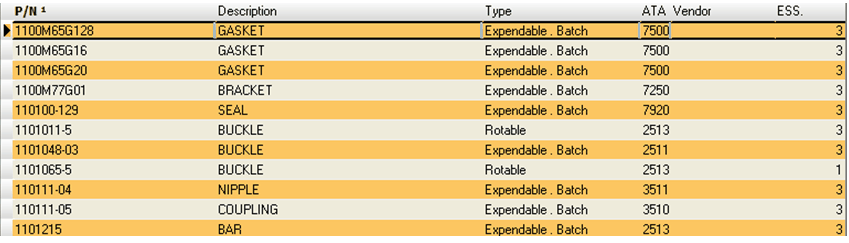
To display more information about a specific P/N, double click on the concerned row item:
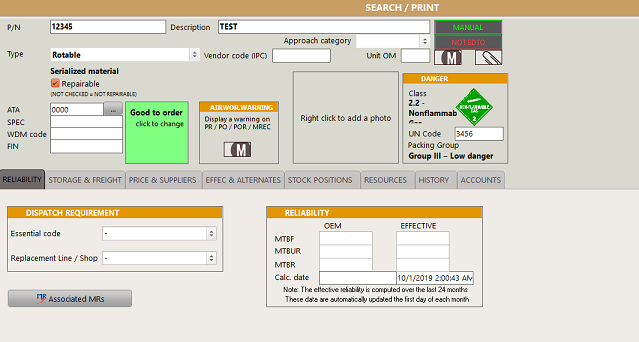
Refer to Search fields for more details about the above fields