To print a document, click on the  button
A "Reporting parameters" window opens :
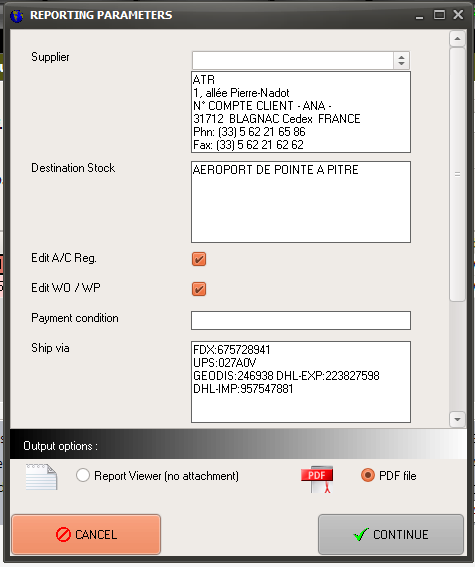
The above field values normally does not need to be changed but you can always make last minute changes to enter special instructions, a special address for example. Click on the "Continue" button to generate the pdf file.