- Select (click) the revision you want to distribute
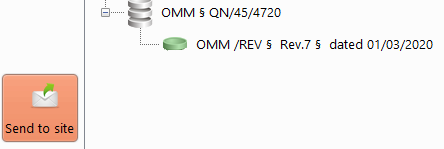
-> a new contextual action is displayed: "Send to site"
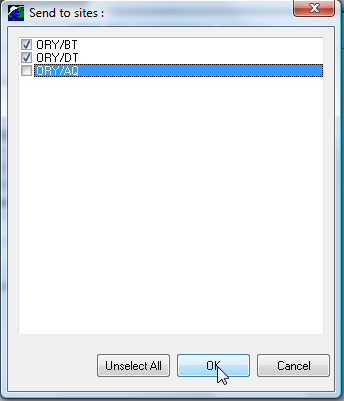
- Click on the "Send to site" action and select the appropriate sites:
The new tree now shows the master document, its revisions and the sites it what dispatched to:
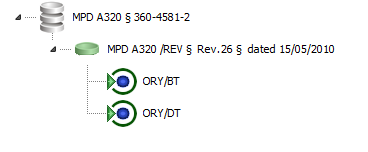
When you select a Master Document or a Revision, the distribution are displayed