This article shows how to record a defect in the context of a Maintenance Watch office
Note: This article is not applicable to defects discovered during maintenance visits (refer to Execute Work using Bar code ), nor a defect already processed using the bar-code module. This article deals with the situation of a Maintenance Watch office receiving a call from a remote Part 145 organization not equipped with AMS (therefore which cannot use the bar-code functionality)
1.Open the M.Work module:

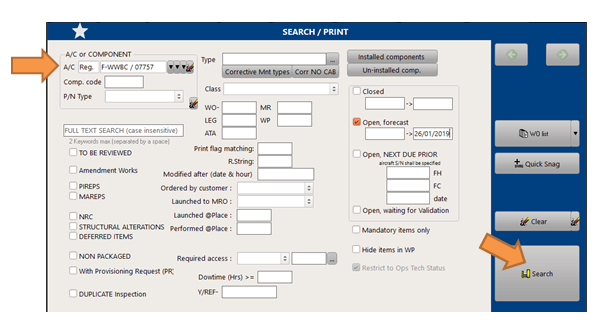
2.Display the task due list of the concerned aircraft:
Select the aircraft
press the "Search" button
3.Add a new WO and record it:
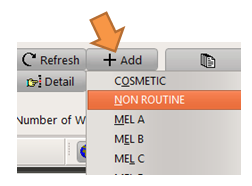
Press "+ Add" then "NON ROUTINE"
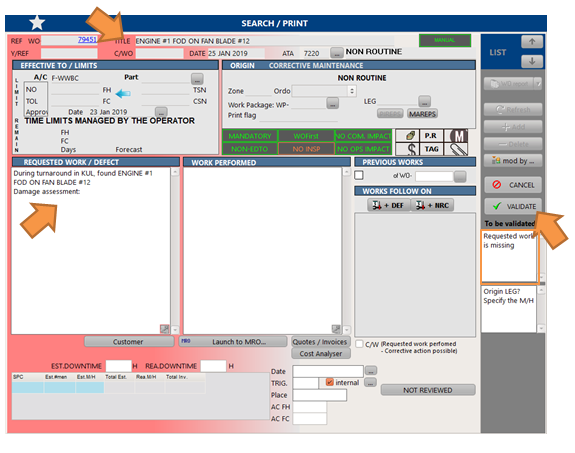
Enter all fields (mandatory fields are listed on the bottom right error box and this list is updated as you enter new data)