Even when an aircraft is not operated, it is important to let AMS know the aircraft did to fly and was not available for revenue flights. If not, AMS will assume the activity feed is not captured and the average utilization will be used to compute the maintenance forecast.
To record a maintenance visit or a maintenance session, enter it in the activity module by selecting the type "Maintenance entry", as per this example:
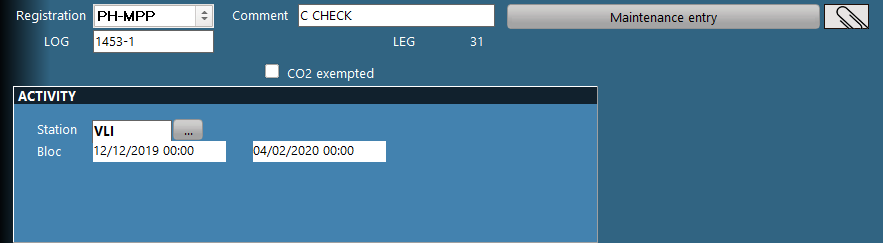
Note: You cannot enter a future date in the above window. If the maintenance (or aircraft unavailability) is ongoing, modify the end of the unavailability period to the today's date until the aircraft is returned to service. If the aircraft is undergoing a heavy maintenance lasting several months or is being stored, update this date only at the end of each month.