It is highly recommended to perform regular stock takes in order to:
- Avoid the congestion of a single stock take at the end of each financial period
- Maintain the highest possible consistency between the recorded and the physical inventory
PROCEDURE
1/ Log on iCare AMS
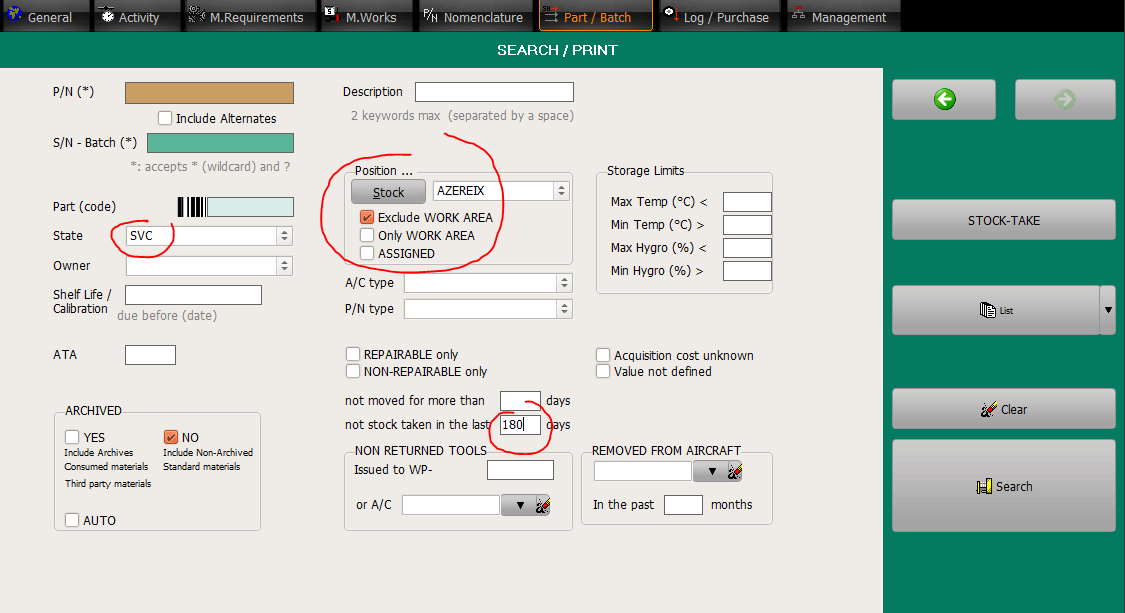
2/ Go to the Part/Batch module and select the stock you want to stock take as per the bellow figure:
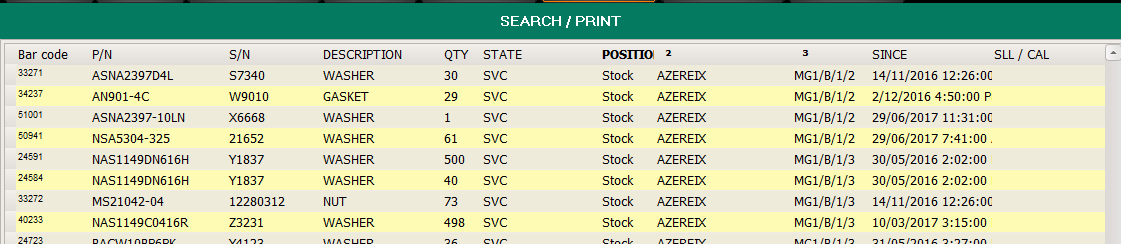
3/ After clicking on the "Search" button, order the list by BIN location:
4/ For each batch, double click on the row item to display it then click on the "Stock Take" button:

5/ Verify the presence of the selected batch on the shelf and record it in accordance with the stock take procedure ( Stock Take )