The Alert sub-module is the place where AMS computes all data and detect possible problems.
Note that you do not have to run this module to know what alert was raised: the first page displays all alerts you subscribed when the alert is raised. To know how to subscribe to the alert service, refer to General module.
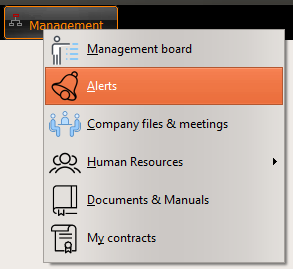
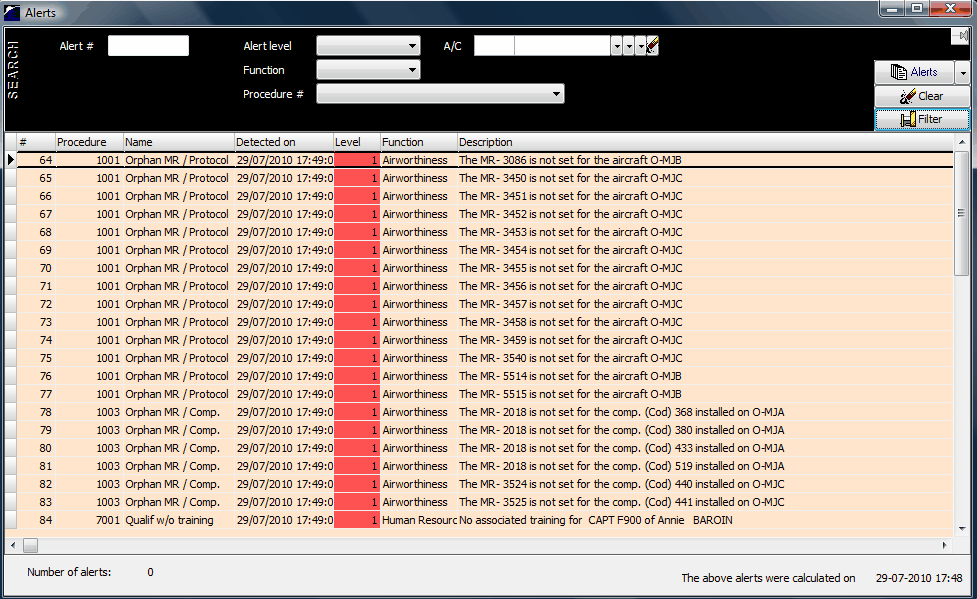
Filter options:
- Alert #: if you know the alert ID, place it here (this field is mainly used when the window is displayed from another module)
- Alert level: 1(RED)=very important / 2(ORANGE)=important / 1(GREEN)=minor
- Function: Accountable / Airworthiness / Human Resources / Logistic / Purchase / System
- Procedure: the procedure which raised the alert (select in a list)
- A/C: the concerned aircraft or fleet
Alert list
The description of each alert is in full text to be easily understandable.
A right click on a particular item opens a contextual menu with the links to the documents subject of the alert
Raising new alerts
The AMS Manager is running on the AMS Server and calculate the alerts every days (usually at night). In very specific situations, you can also request the server to calculate the alerts immediately. To do so, click on the "Connection options" button of the login window (at the AMS start up)