To issue material from the stores for utilization on aircraft, refer to the section Material Issue
Note: This procedure utilize the Excel Templates functionality
1/ Open AMS and log in
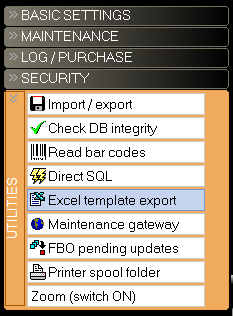
2/ Select Security / Excel template report
3/ Select the template "LOG-MATERIAL-ISSUE-01-.xltx"

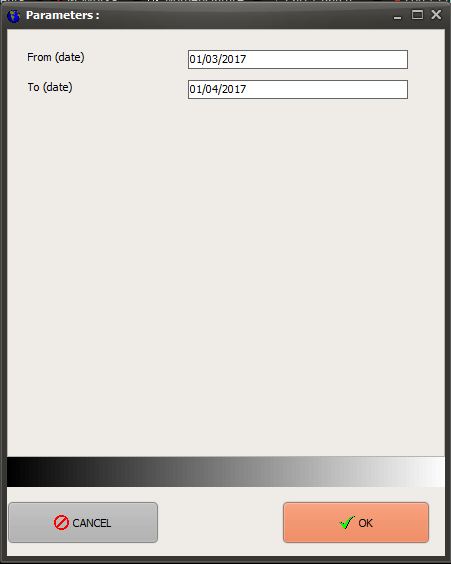
4/ Enter the dates to run the report then click on the OK button
Note: Dates
5/ Save the exported MS Excel file to the desired location
