The CABIN tab can be used to specifically manage the cabin condition. Note that the snags created / closed on the TLB also implement this status automatically.
The list on cabin items displays:
- All cabin items currently open for the selected aircraft
- All cabin items complied with over the last 7 days, for the selected aircraft
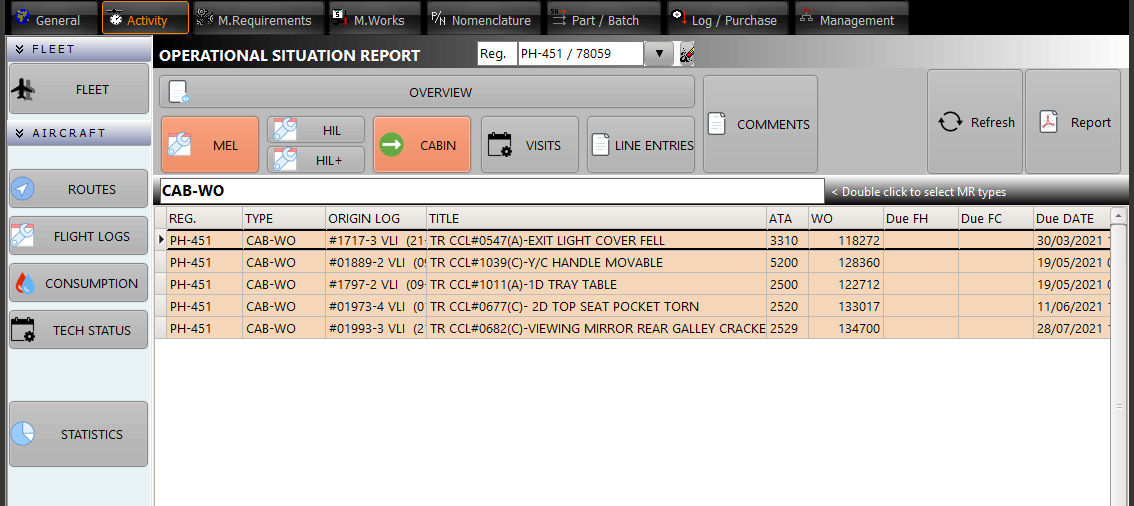
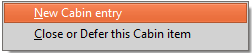
A right click on the list of cabin items displays the contextual menu:
Display WO: Display the WO (Work Order) currently selected in the list (switch to the M.Work module). This action action is equivalent to a double click on the list.
Close / Defer: Close or defer the selected item (switch to the quick snag module)
Add an item: Add a new cabin item (switch to the quick snag module)