To print a maintenance programme:
1/ Select the appropriate Protocol (Maintenance Programme) in the selection filter:

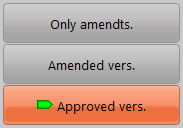
2/ Specify which version of the programme has to be printed in the selection filter:
3/ Specify how the programme should be presented (by reference / by document of reference)

4/ Optionally: define a range of MR you would like to report (refer to MR selection)
5/ Select the "M.Program" report (see also MR selection reports for details)

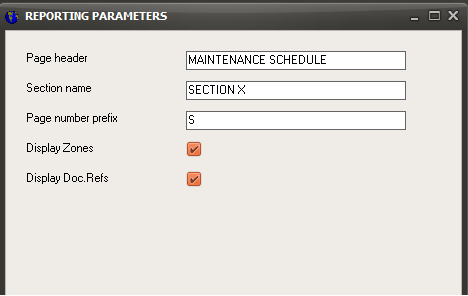
6/ Define the reporting parameters (page header and footer)
7/ Click on the "Continue" button